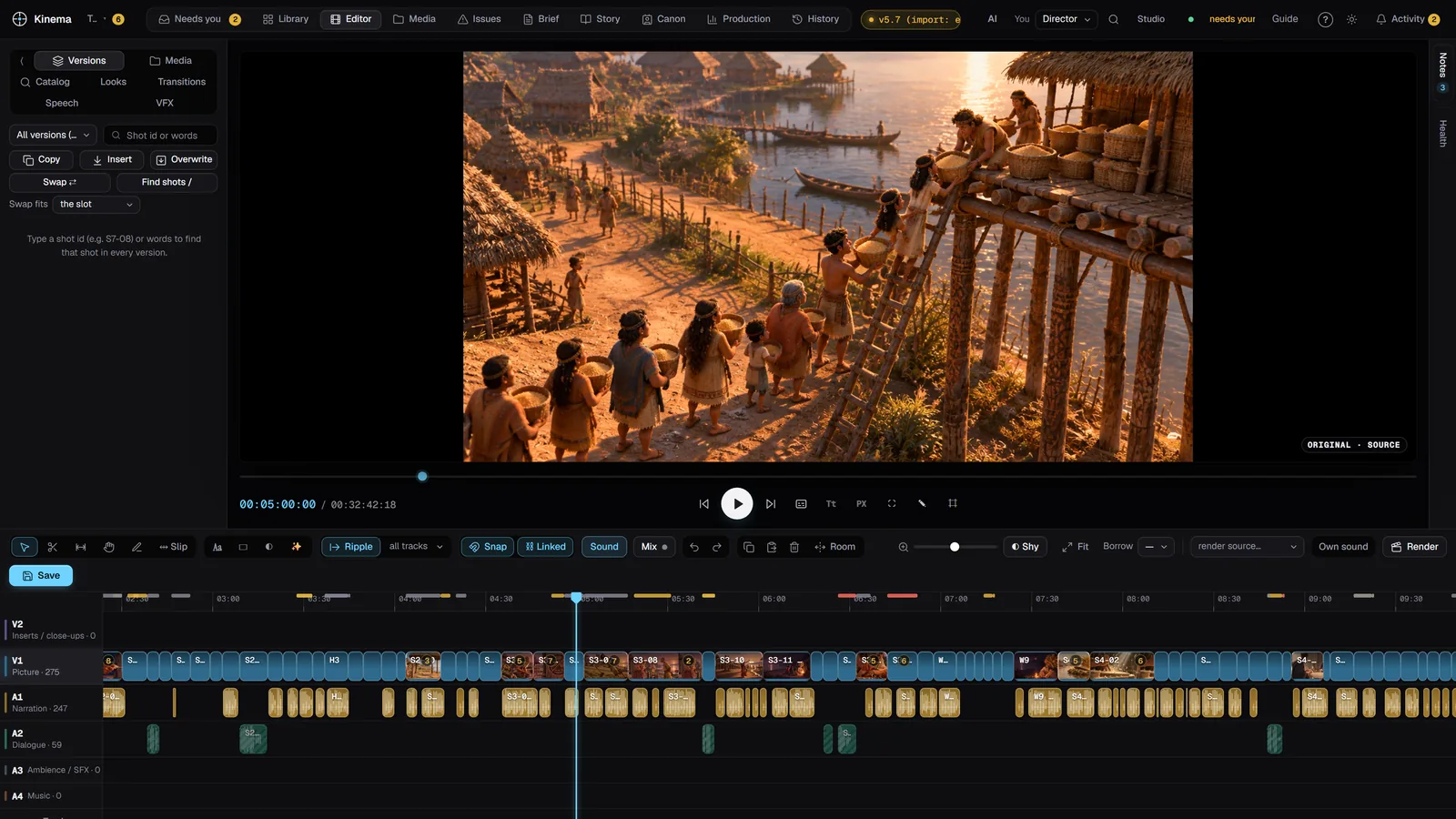
The whole studio on one screen.
Library, viewer, timeline and notes, side by side. This is Kimena as it runs today, not a mock-up. On screen: The Three Lights.
Three things it will never compromise.
Your hands and your AI, on one timeline.
Trim a frame yourself, then ask your AI assistant for the next pass. Both work on the same project, in the same history.
Nothing you make gets lost.
Every change is saved as a version. Step back, compare two cuts side by side, keep the one that's right.
Your machine. Your AI. Your film.
Kimena is local-first: your project lives on your computer. You choose the assistant and keep the keys.
Built for the way films actually get made.
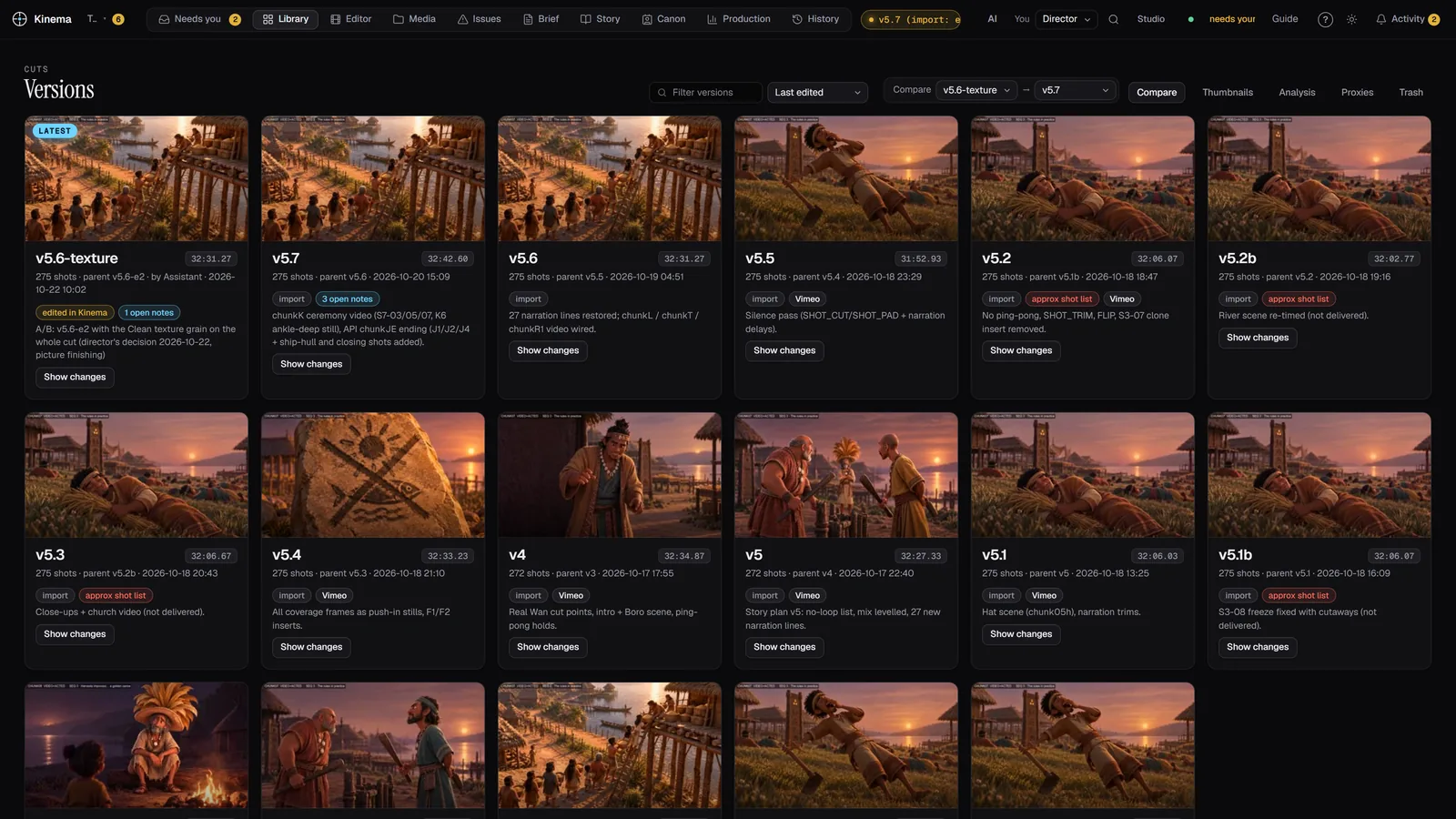
Every version in the library.
Shots, stills and cuts sit together with their versions attached. Open any one and see where it came from.
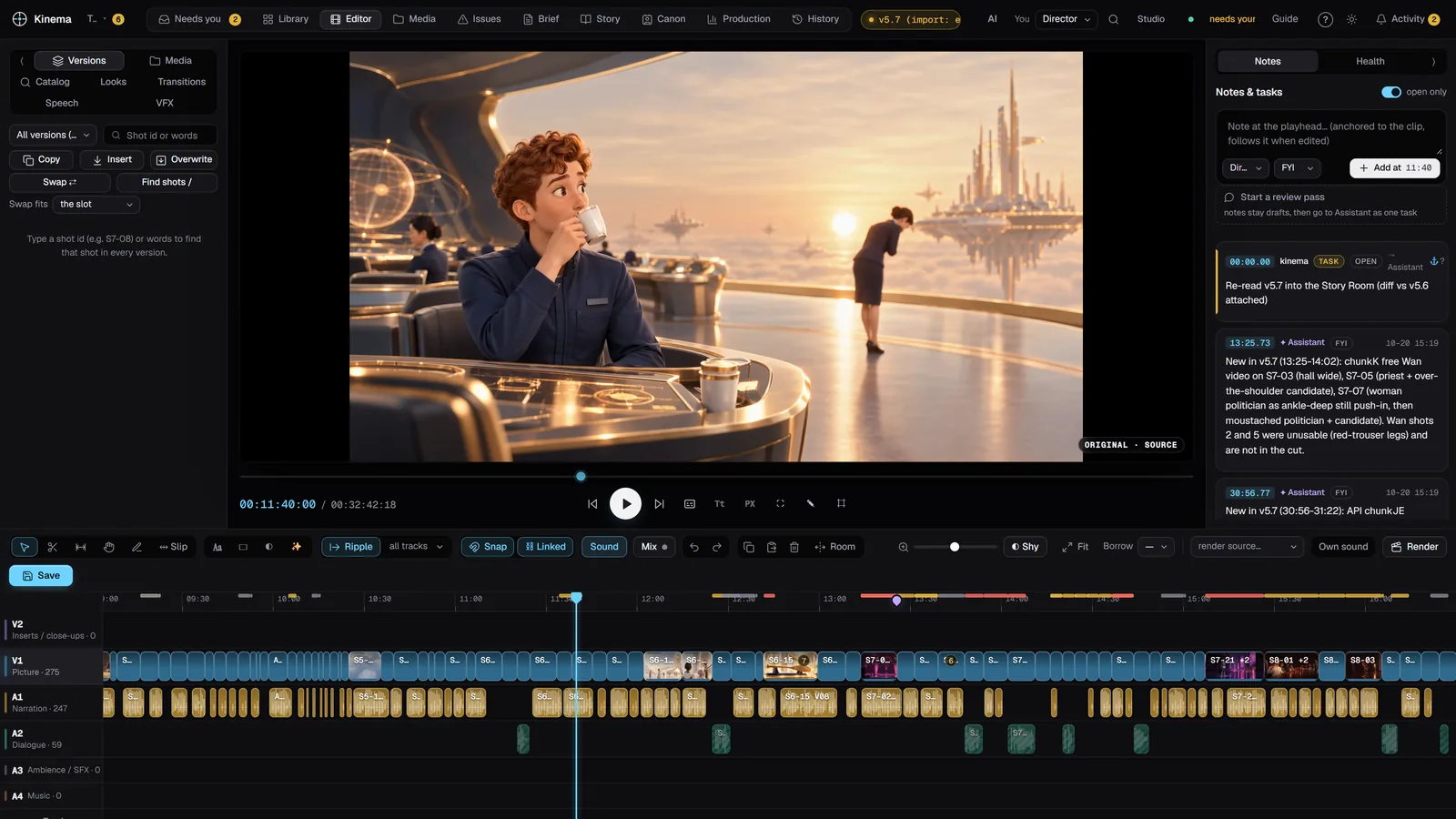
Notes that live on the frame.
Pin a note to the moment it's about. It stays there, version after version, until you resolve it.
Every loop was made with Kimena's own code on real projects. More on Learn.
Half a minute each. Then you'll want the rest.
The three things directors ask to see first. The full course, 59 lessons in 10 chapters, comes with your invitation.
Four steps. Your call at every one.
Bring your material.
Point Kimena at a folder of footage, stills and sound. It reads your files where they are and never changes them.
Direct.
Cut by hand on a multi-track timeline, or tell your AI assistant what you want in plain words.
Compare.
Every attempt is a version with its parent recorded. Put two side by side and leave notes.
Keep what's right.
Render, or export to Premiere and Resolve. The other cuts stay, in case you change your mind.
Bring the AI you already trust.
Kimena isn't tied to one AI company. Connect yours one of two ways.
Use the assistant you already pay for.
Connect the AI chat assistant you already use, on the plan you already have, and direct Kimena from the conversation. No second AI bill. If your plan's quota runs out, the AI work pauses until it resets; your editing never does.
Or bring your own keys.
Add keys from the providers you choose and pay them directly, at their prices. Keys stay in Kimena on your computer, and every paid job shows its cost first and waits for your approval.
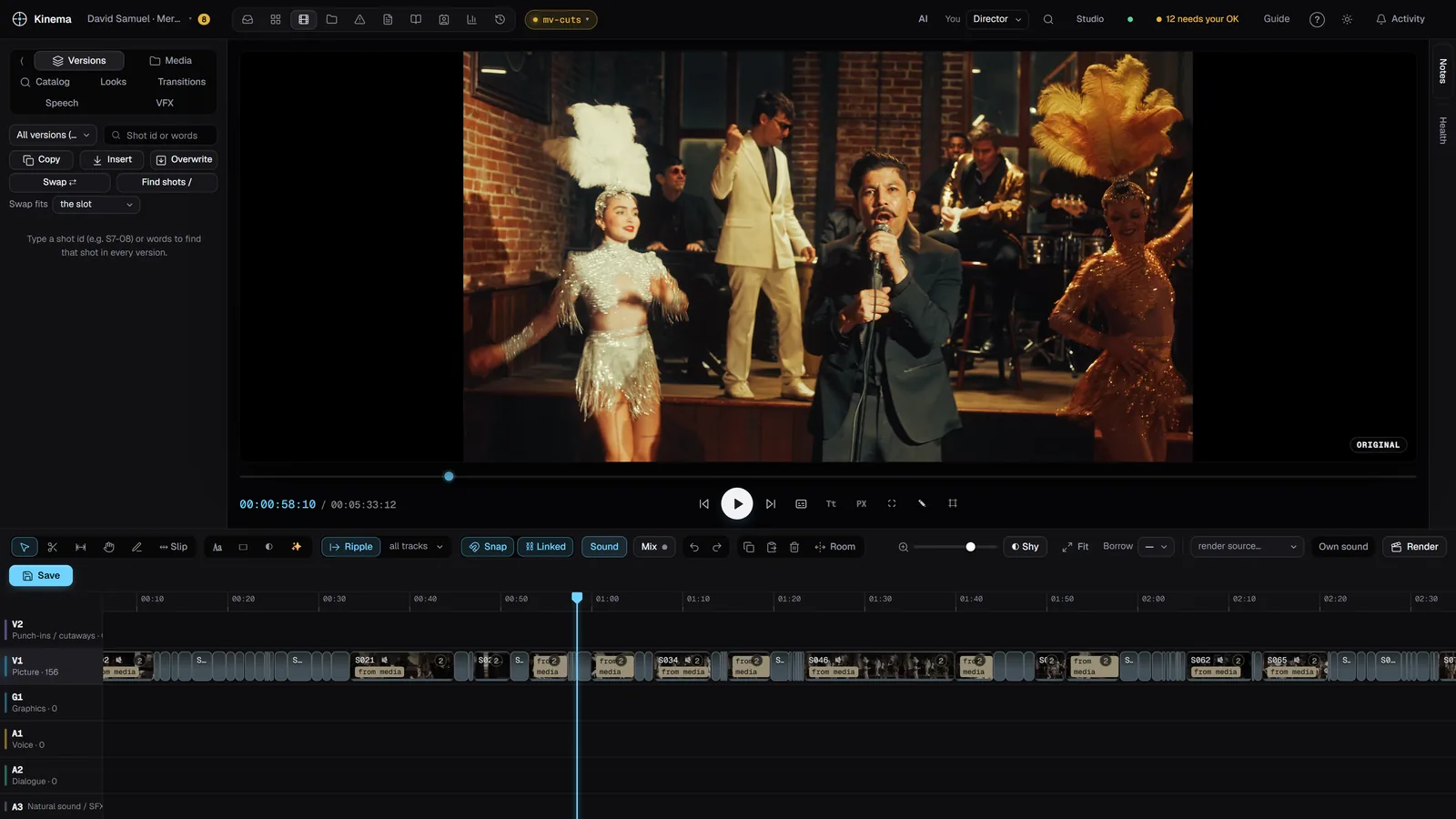
Real work, real cuts.



Small waves, real directors.
We open Kimena to a few people at a time, starting with directors and small studios who already make films, ads or music videos with AI. It runs on Windows today; an NVIDIA graphics card is recommended.
- The full course. 59 short Training lessons, and Learn mode inside the app.
- A practice project that needs no AI and can't touch your films.
- A direct line to us. Tell us what's broken; it shapes the next build.
- Leaving is one click. Projects export to XML, OTIO and EDL.

Bring a film you care about.
Tell us what you're making. We read every request, and write when your wave opens.
Thank you.
We read every request. When your wave opens, you'll get an email with your invite code and the Training link.